Get your demo now.
Here is a real Vrosa screen with example data from a made-up business. Follow the steps to see what everything does, in plain English.
Prefer to talk it through? Book your demo with Osiris.
Step 1 of 13
This is your home screen
It is the first thing you see when you open Vrosa. It shows what needs you today and how your estimates are doing. The business here is made up, so you can look around freely.
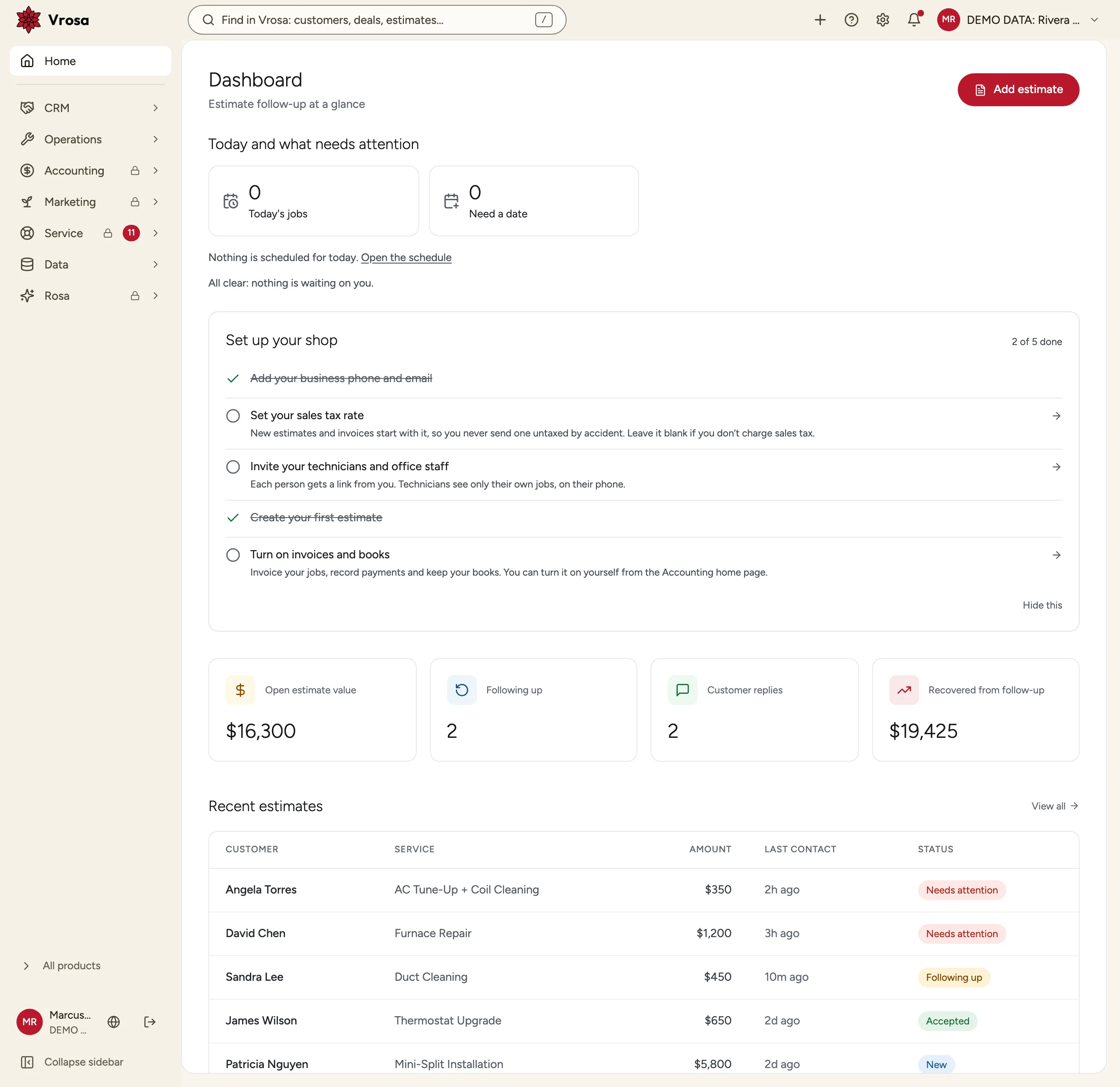
A real Vrosa screen with example data from a made-up business. Customer messaging is shown in demo mode: nothing is sent to anyone.